

Marketing tips, news and more
Explore expert-backed articles on SEO, data, AI, and performance marketing. From strategic trends to hands-on tips, our blog delivers everything you need to grow smarter.

Key Differences Between 301 and 302 Redirects
When managing a website in the digital world, it is inevitable to move content, update URL structures, or temporarily redirect pages during campaign periods. This is exactly where redirects, one of the most critical elements of technical SEO, come into play. However, it is important to remember that not every redirect serves the same purpose. Understanding the subtle yet crucial differences between 301 redirects and 302 redirects can determine whether your website is able to preserve its search engine rankings. In this comprehensive guide, we at AnalyticaHouse take a closer look at the technical details of redirect types, their impact on SEO and GEO (Generative Engine Optimization), and which option you should choose in different scenarios.What Is a Redirect and Why Is It Important? A redirect is the process by which a server tells the browser or a search engine bot, when a URL is requested, “This content is no longer here; please go to this new address instead.” This process is highly important for both user experience (UX) and search engine optimization. A poorly configured redirect strategy can lead to “404 Not Found” errors, causing users to leave your site and potentially damaging your credibility in Google’s eyes. In today’s search ecosystem, generative AI-powered search engines also rely on these signals to understand site structure. Therefore, a clear redirect framework helps AI better interpret the freshness and permanence of your content.What Is a 301 Redirect: Permanent Redirect Explained A 301 redirect is an HTTP status code that indicates a web page or an entire domain has been permanently moved to a new location. The word “permanent” is especially important here. When a search engine bot encounters a 301 redirect, it understands that the old URL is no longer valid and that all indexing signals should be transferred to the new URL.Technical Characteristics of a 301 RedirectTransfer of Link Equity: A 301 redirect passes approximately 90% to 99% of the old page’s authority, backlink strength, and ranking value to the new page. Indexing Change: Over time, search engines remove the old URL from the index and replace it with the new one. Browser Caching: Browsers generally cache 301 redirects. This helps speed up the process by directing users straight to the new address when they try to visit the page again.When Should You Use a 301 Redirect? When you are changing your website’s domain entirely (e.g., migrating from old-site.com to new-site.com). When you are permanently changing a page’s URL structure to make it more SEO-friendly. When performing content consolidation and redirecting low-performing pages to a primary guide or core page. During HTTP to HTTPS migration processes. When consolidating the “www” and non-“www” versions of your site under a single preferred version.What Is a 302 Redirect: Temporary Redirect Explained A 302 redirect is an HTTP status code that indicates a page has been moved to a different address temporarily. Technically, it is defined as “Moved Temporarily” in HTTP/1.0 and “Found” in HTTP/1.1. This redirect sends the following message to search engines: “Use this address for now, but do not remove the old address from the index because I will be returning to it.” Technical Characteristics of a 302 Redirect No Authority Transfer: At the initial stage, a 302 redirect does not pass link equity or SEO value to the new address. The authority remains with the original URL. Index Preservation: Search engines continue to keep the old URL in the index. The new URL is generally treated as a separate page. Not Typically Cached: Browsers usually handle this redirect by checking with the server each time, since the destination may change at any moment. When Should You Use a 302 Redirect? When redirecting users to a temporary page during maintenance work on a page. When temporarily redirecting out-of-stock product pages to similar categories. When running A/B tests and directing some users to an alternative design. For promotional pages that are only valid for a limited campaign period. For dynamic redirects based on the user’s language or geographic location.Comparative Analysis of 301 and 302 Redirects The table below will help you quickly understand the key differences between these two types of redirects:Feature301 Redirect (Permanent)302 Redirect (Temporary)MeaningPermanently moved.Temporarily found.Link Equity (SEO Value)Transferred to the new URL.Remains with the old URL.Search Engine IndexThe old URL is removed, and the new URL is added.The old URL remains in the index.Purpose of UseSite migration, URL changes.Campaigns, maintenance, tests.User ExperienceSeamless (the user does not notice the difference).Seamless (the user does not notice the difference).SEO Risks of Using the Wrong Redirect TypeOne of the biggest mistakes many website administrators make is using a 302 redirect for a permanent change. This can confuse Google bots and lead to significant traffic losses. Here are some of the possible consequences of incorrect usage:“If you redirect a page that has been permanently moved with a 302, Google will not transfer the authority of the old page to the new one. As a result, your new page may fail to achieve the ranking it deserves in search results.”In addition, long-term 302 redirects may eventually be interpreted by search engines as an “implicit 301.” However, leaving this process to Google’s discretion is risky from a technical SEO perspective. Control should always remain in your hands.Frequently Asked Questions (FAQ)1. Does a 301 redirect cause ranking loss? When implemented correctly, a 301 redirect does not cause ranking loss. On the contrary, it helps preserve your existing performance by transferring authority to the new URL. However, if the content of the new page is not relevant to the original page, rankings may decline due to reduced topical relevance.2. How long should a 301 redirect remain active? Google recommends keeping redirects active for at least one year. This period gives search engine bots enough time to fully understand the change and update the index. Whenever possible, the safest approach is to keep these redirects in place for as long as you control the domain.3. Can I later change a 302 redirect to a 301 redirect? Yes, once you decide that the change has become permanent, you can update the 302 status code to a 301. Google will detect the change and begin the authority transfer process.4. What is a 307 redirect? Is it different from a 302? A 307 redirect is a temporary redirect introduced with HTTP/1.1 and can be considered a more modern version of the 302 redirect. The key difference is that a 307 does not allow the HTTP method (such as GET or POST) to be changed. From an SEO perspective, it is generally treated similarly to a 302 in most cases. 5. Do too many 301 redirects slow down site speed? Having a large number of redirects does not directly slow down a site. However, if redirect chains occur, the browser must make multiple requests before reaching the final destination. This can create millisecond-level delays and negatively affect the user experience.
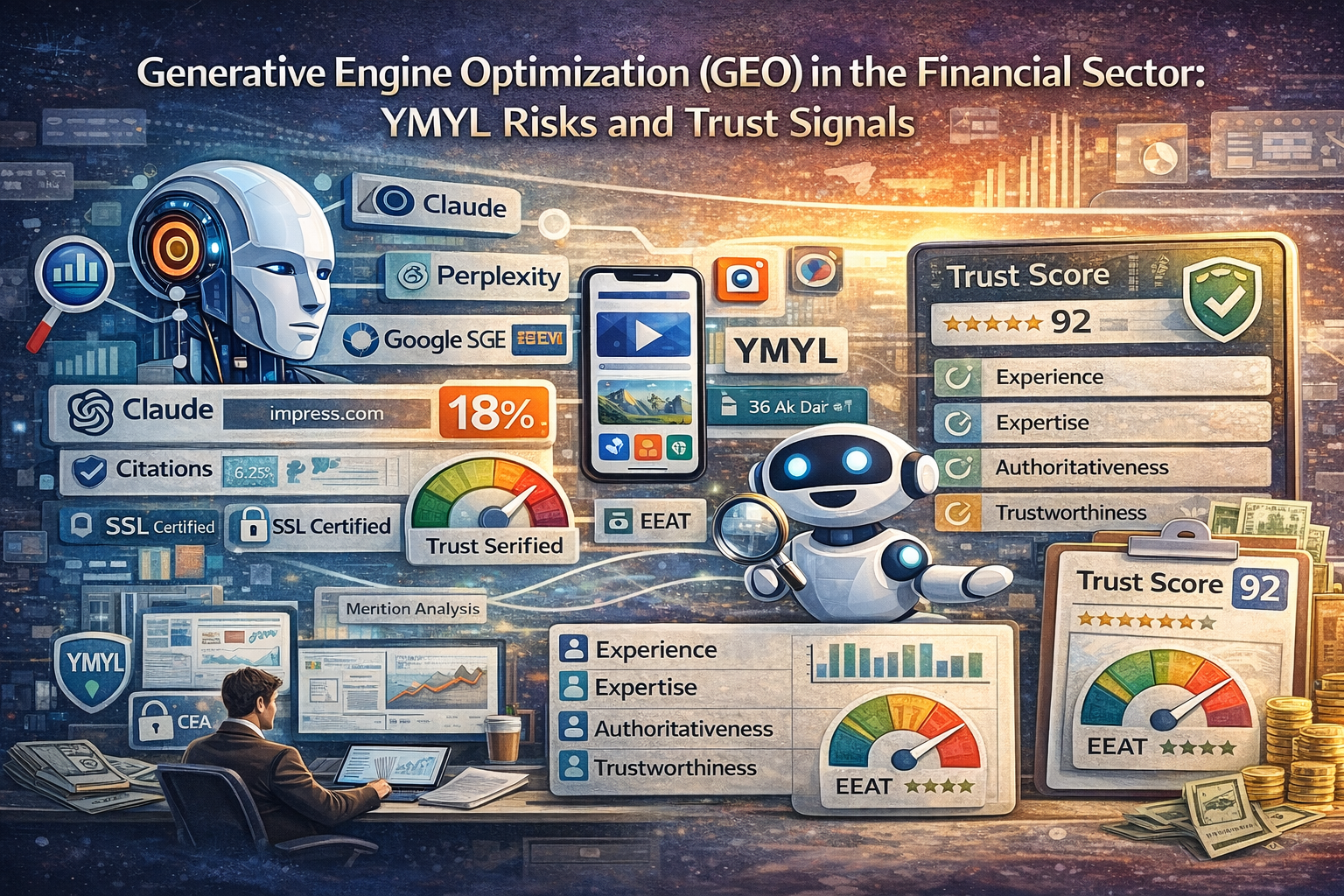
Generative Engine Optimization (GEO) in the Financial Sector: YMYL Risks and Trust Signals
With the integration of artificial intelligence technologies into the search engine ecosystem, the traditional concept of SEO (Search Engine Optimization) is being replaced by a more complex and dynamic process called GEO (Generative Engine Optimization). In particular, Generative Engine Optimization (GEO) strategies in the Financial Sector carry vital importance for content in the Your Money Your Life (YMYL) category, which directly affects users’ financial well-being and future. The perception of content produced in areas such as financial advisory, investment instruments, banking services, and insurance as a reliable source by generative AI models (LLMs) has become a decisive criterion for brands’ digital visibility. In this new era, it is no longer sufficient to adopt only a keyword-focused approach; instead, the accuracy of information, the authority of the source, and the perfection of technical configuration come to the forefront.Trust is the foundation of everything in the world of finance. Users want to be sure of the accuracy of the information they encounter when making an investment decision or applying for a loan. Systems such as Google SGE (Search Generative Experience), Perplexity, and OpenAI’s SearchGPT look for certain signals in content to establish this trust. Generative Engine Optimization (GEO) strategies in the Financial Sector aim to understand how these systems analyze content and to create data architectures aligned with these analysis processes. In addition to traditional ranking factors, elements such as increasing the number of citations, transparently presenting statistical data, and including expert opinions in the content are cornerstones that strengthen the reputation of financial brands in the eyes of AI engines.Generative Engine Optimization (GEO) Strategies in the Financial Sector and the Relationship with YMYLYMYL (Your Money or Your Life) is the strictest evaluation standard that search engines apply to content that may affect a user’s health, financial stability, or safety. While developing Generative Engine Optimization (GEO) strategies in the Financial Sector, minimizing YMYL risks is a necessity. AI engines turn to the most reliable data sources to minimize the risk of making mistakes (hallucinating) when providing financial advice or summarizing a market analysis. At this point, it is not enough for your financial content to be merely correct; it must also be verifiable by independent and authoritative sources. If a piece of content contains ambiguities that could lead the user to an incorrect investment decision, generative engines will avoid referencing that content.In financial content evaluated under YMYL, the following elements play a critical role in gaining the trust of AI models:- Data Accuracy: Interest rates, market data, and legal regulations shared in the content must be up-to-date and precise.- Source Attribution: Every financial claim made must be grounded in official institutions (Central Bank, CMB, BRSA, etc.).- Author Authority: The writer’s competence in finance, academic background, or professional certifications must be clearly stated.- Transparency: Users must be given honest information about the risks of financial products and potential losses.In this context, Generative Engine Optimization (GEO) strategies in the Financial Sector transform the content production process into an information verification operation. Because AI prefers the least risky option when processing complex financial data, the logical consistency and reference depth of the information you present in your content are primary factors that directly affect your visibility.The Impact of EEAT Criteria on Generative Engine Optimization (GEO) Strategies in the Financial SectorGoogle’s EEAT (Experience, Expertise, Authoritativeness, Trustworthiness) guidelines gain an even deeper meaning in the GEO world. While implementing Generative Engine Optimization (GEO) strategies in the Financial Sector, EEAT signals must be presented in a machine-readable format for generative AI to accept a piece of content as an authority. In particular, the Trustworthiness element is central to ensuring user security in financial transactions. A bank’s or brokerage firm’s website should reinforce this trust with legal texts, license numbers, and clear contact information that prove it stands behind the information it provides to users.The table below summarizes the counterpart of EEAT components in GEO processes and sector-specific application methods for finance:EEAT ComponentFinancial Sector ApplicationGEO Optimization SignalExperienceUser stories and real financial case studies.First-person narratives and lived-experience data.ExpertiseReports prepared by financial analysts and economists.Academic and professional titles included in author bios.AuthoritativenessBacklinks from industry news sites and academic journals.The brand being mentioned in prestigious financial directories and news.TrustworthinessSSL certificates, transparent fee policy, and license information.Secure payment infrastructure and the authenticity of user reviews.Each of these components must be handled meticulously within Generative Engine Optimization (GEO) strategies in the Financial Sector. AI scans multiple sources when explaining a topic and presents the user by combining the parts it finds most trustworthy. If your financial content does not meet these four criteria, it becomes almost impossible for your brand to appear in AI answers (AI snapshots). Especially authoritativeness and trustworthiness are the metrics that financial algorithms weigh most heavily.Technical GEO Practices: Generative Engine Optimization (GEO) Strategies in the Financial Sector and Data StructuringGEO is not only about writing content; it is also about how easily that content can be understood by AI. Within Generative Engine Optimization (GEO) strategies in the Financial Sector, the technical infrastructure should be strengthened through the use of structured data (Schema Markup). LLMs may sometimes miss context while analyzing raw text. However, structured data presented in JSON-LD format enables bots to understand flawlessly what the content is about, who wrote it, and which financial data it contains.Critical technical optimization steps for financial websites are as follows:- FinancialProduct Schema: Clarifying product features (interest rate, maturity, fees) by using special schema tags for loans, deposit accounts, or investment instruments.- Organization Schema: Presenting the institution’s official name, logo, social media profiles, and contact information in a hierarchical structure.- Person Schema: Adding tags that define content authors’ areas of expertise and digital footprints.- FAQ Schema: Ensuring that clear and direct answers to financial questions can be used directly by AI in position zero results.Thanks to structured data, Generative Engine Optimization (GEO) strategies in the Financial Sector produce more measurable and effective results. AI engines prefer data to be presented in a table or with specific tags while reading a complex stock market analysis. This creates the perception that the information is verified. In this process where Technical SEO evolves into GEO, the cleanliness of the code structure and the semantic relationships of the data are the key to ranking at the top in search results.Content Strategies: Generative Engine Optimization (GEO) Strategies in the Financial Sector and Citation PowerGenerative AI models prioritize the most cited and most frequently verified information when producing an answer. Therefore, while forming Generative Engine Optimization (GEO) strategies in the Financial Sector, content must be citation-worthy. Original research, industry surveys, unique market commentary, and infographics increase the likelihood that other sites and AI models will cite your content. When a financial brand becomes a primary source in its field, GEO success comes naturally.To increase citation power and the rate at which your content is preferred by AI, you can follow these methods:- Use of Statistical Data: Use concrete and statistical data such as “a 15% increase according to 2023 data” instead of abstract statements.- Expert Opinions: Reinforce authority by adding quotations from well-known figures in the sector.- Clear and Concise Answers: For questions like “How can a credit score be improved?”, provide a very clear summary of 2–3 sentences at the beginning of the article.- Semantic Word Groups: Include not only the main keyword but also related secondary concepts that are semantically connected to financial terms.Modern Generative Engine Optimization (GEO) strategies in the Financial Sector require compiling information with the meticulousness of a librarian. AI models scan thousands of pages of data in seconds to present the most refined information to the user. When your content becomes the source of that refined information, you not only gain a link click, but you also enable your brand to be labeled by AI as a reliable financial guide.Future Financial Searches and Generative Engine Optimization (GEO) StrategiesIn the future, search habits will evolve from typing keywords to engaging in dialogue with AI. Instead of searching for “the best mortgage loan,” users will ask complex questions such as “Which bank is the most suitable for me to get a 2 million TL loan with a monthly installment of 20,000 TL?” In order to respond to this new user behavior, Generative Engine Optimization (GEO) strategies in the Financial Sector should go beyond long-tail keywords and focus on intent-based optimization.As a result, Generative Engine Optimization (GEO) strategies in the Financial Sector are not an option, but a necessity for the continuity of digital presence. Financial institutions that balance YMYL risks with professional EEAT management, strengthen their technical infrastructure with schema structures, and increase citation quality in their content will be the winners of the AI era. Progressing without compromising the principles of transparency, accuracy, and authority in this process will ensure lasting success both in the eyes of search engine algorithms and real users. By working with an expert Generative Engine Optimization agency, you can also reach your goals.
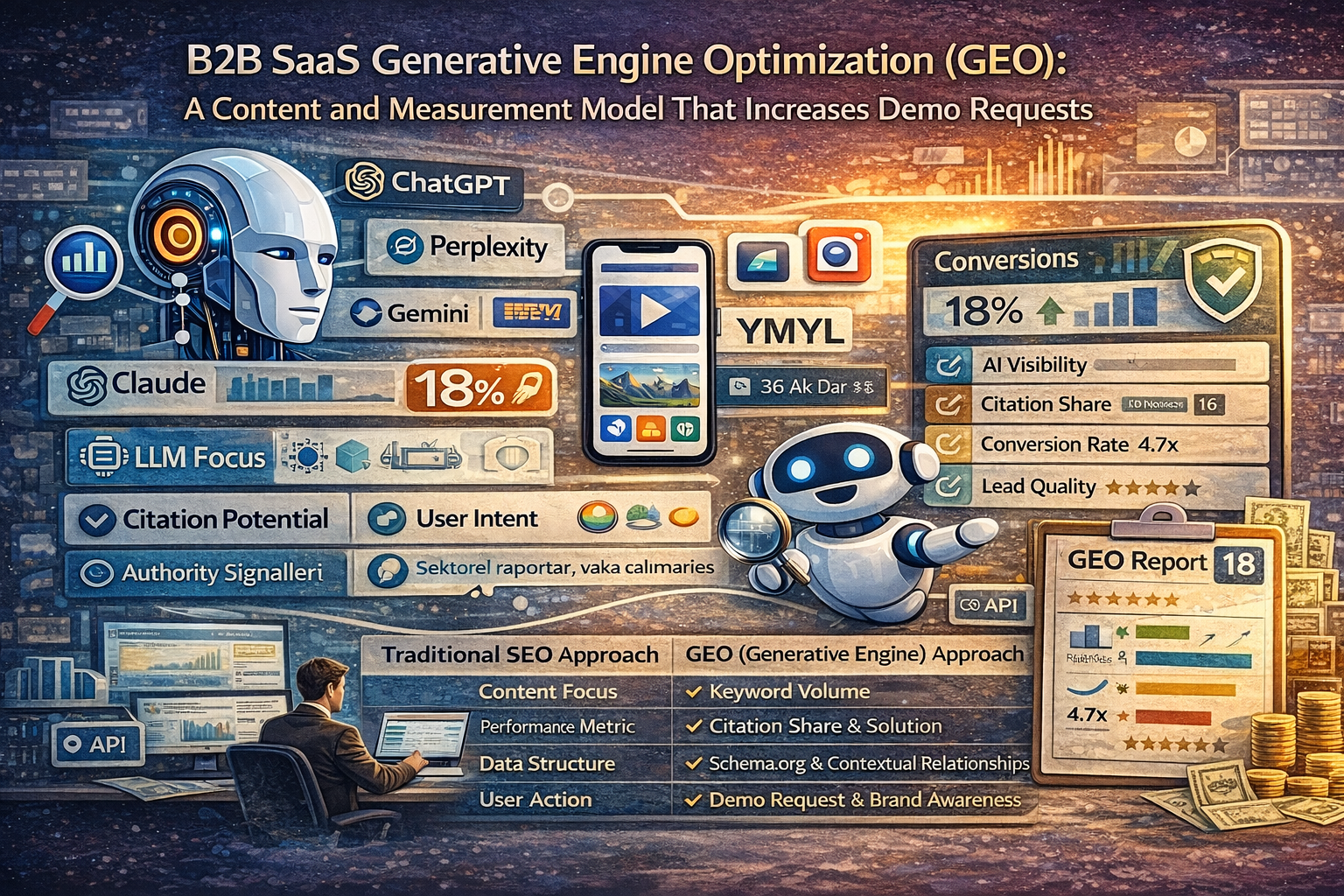
B2B SaaS Generative Engine Optimization (GEO): A Content and Measurement Model That Increases Demo Requests
The digital marketing world is undergoing a major evolution from traditional search engine optimization (SEO) toward AI driven search experiences. B2B SaaS Generative Engine Optimization (GEO) strategies no longer aim only to rank at the top of Google results, but also to be cited and recommended as a source within the answers produced by generative AI (LLM) tools such as ChatGPT, Perplexity, Gemini, and Claude. Because the B2B SaaS sector is an area where decisionmakers conduct deep research and seek solutions to complex problem sets, this next generation optimization model has the potential to directly impact your demo requests and your sales pipeline.GEO is a discipline built on top of traditional SEO, but it requires a much more sophisticated approach. While keyword density and backlink profiles are central in traditional SEO, concepts such as answerability, authority, and contextual accuracy come to the forefront in B2B SaaS Generative Engine Optimization (GEO) strategies. When scanning information, AI engines don’t just read the text they also analyze the quality of the solution that text provides to a problem and its credibility within the industry. Therefore, for a SaaS brand to exist in this ecosystem, it is essential to present its content in a structured, verifiable way that focuses directly on user intent.LLM Focus: Your content can be easily interpreted by AI models.- Citation Potential: Sharing data and insights that increase the likelihood of being cited as a source.- User Intent (Intent): Not just providing information, but solving a problem in the user’s workflow.- Authority Signals: Content supported by industry reports, case studies, and expert opinions.What Are B2B SaaS Generative Engine Optimization (GEO) Strategies and Why Are They Critically Important?With the rise of Generative AI tools, the information gathering habits of B2B buyers have fundamentally changed. Now, instead of searching for best CRM software, a marketing manager or a technology director asks AI questions like: Recommend an integration capable and cost effective CRM solution for a globally distributed team. This is exactly where B2B SaaS Generative Engine Optimization (GEO) strategies come into play. If your brand is not among the top three recommendations in the AI’s answer to that specific question, it means you’ve lost a potential demo opportunity at the very beginning stage.Decision making processes in B2B are long and require approval from multiple stakeholders. GEO is the fastest way to build trust in this process. AI engines generate answers by referencing sources they deem reliable. This creates a third party endorsement effect for SaaS companies. When a user hears about your brand from AI, it can increase trust in the brand far more than organic search results. In addition, B2B SaaS Generative Engine Optimization (GEO) strategies increase not only visibility but also the quality of traffic. Because a user coming from AI has already received convincing information about the solution they are looking for and is more ready to request a demo.By working with an expert Generative Engine Optimization agency, you too can achieve your goals.We can list the key factors emphasizing the critical importance of GEO as follows:- LowFriction Access to Information: Users want to meet their needs in a single answer instead of browsing dozens of pages.- Niche Focus: Because AI can answer very specific (longtail) questions, it gives niche SaaS solutions more opportunities.- Future Readiness: Updates like Google’s SGE (Search Generative Experience) indicate that GEO will replace traditional SEO.B2B SaaS Generative Engine Optimization (GEO) Strategies That Maximize Demo ConversionsGenerating demo requests is the biggest goal of a B2B SaaS marketer. However, because AI tools summarize information within their own interfaces instead of directing users straight to your website, the zeroclick phenomenon can pose a risk. To turn this risk into an opportunity, within the scope of B2B SaaS Generative Engine Optimization (GEO) strategies you must make your content actionoriented and persuasive. It is not enough for your brand name to merely appear within the AI answer; it should also be stated why your solution is unique and what specific ROI (return on investment) value it provides.The most important part of this strategy is Authority Building. AI looks at who provides the most uptodate and most indepth data on a topic. If you present real user case studies, success stories, and technical documentation related to your SaaS platform in a structured data format, AI engines will encode you as a trustworthy expert. While applying B2B SaaS Generative Engine Optimization (GEO) strategies, you should also make your demo pages part of this flow.For example, a phrase like Increase your efficiency by 40% with X software can be perceived by AI as a direct value proposition and included in the answer presented to the user.Strategy ComponentTraditional SEO ApproachGEO (Generative Engine) ApproachContent FocusKeyword VolumeContextual Answer and SolutionPerformance MetricRankCitation and Share of VisibilityData StructureMeta TagsSchema.org and Contextual RelationshipsUser ActionClickThrough Rate (CTR)Demo Request and Brand AwarenessB2B SaaS Generative Engine Optimization (GEO) Strategies in Technical Infrastructure and Data StructuringFrom a technical perspective, B2B SaaS Generative Engine Optimization (GEO) strategies require not only that a website be readable, but also understandable and relatable. LLMs (Large Language Models) process data in vector spaces. For this reason, it is vital that the information on your website is consistent with each other and supported by accurate structured data markups.For example, by using a Product schema or a SoftwareApplication schema, you should present your software’s features, pricing, and user ratings in a language that AI can directly understand.Another critical technical topic is content chunking. AI engines typically do not take an entire article; instead, they take a specific paragraph or data point from within the article and present it to the user. Therefore, in line with B2B SaaS Generative Engine Optimization (GEO) strategies, you need to structure your content with clear headings, short and concise paragraphs, and bulletpoint lists. Each subheading should effectively be a complete answer to a potential question the AI might ask. Also, your website’s speed and crawlability remain fundamental pillars in this process, because AI bots seeking uptodate data prefer sources they can access the fastest and that provide the most current information.For technical optimization, it will be useful to follow these steps:- Advanced Schema Markup: Use FAQ, HowTo, and SoftwareApplication structures completely.- Semantic HTML Usage: Build your content hierarchy (H1, H2, H3) in the way machines can understand best.- Data Accuracy (FactChecking): Make sure the numerical data in your content is accurate; AI can detect misinformation and it can reduce your authority.- API Integrations: If possible, create channels to feed your product data or public documentation into AI datasets.Performance Analysis: A Measurement Model for B2B SaaS Generative Engine Optimization (GEO) StrategiesTraditional SEO tools (Ahrefs, Semrush, etc.) are great at tracking keyword rankings, but these measurements are insufficient for B2B SaaS Generative Engine Optimization (GEO) strategies. In the GEO world, the new success metrics are concepts such as Share of Model or Brand Citation Frequency. As a SaaS brand, you need to track in what percentage of AI answers to questions about your industry your brand is mentioned, and what the tone (positive or neutral?) of that mention is.At this point, next generation measurement models come into play. For example, you can test your brand’s visibility manually or with automated tools by regularly running prompts such as What are the best 5 solutions in our industry? on ChatGPT or Perplexity.Within the scope of B2B SaaS Generative Engine Optimization (GEO) strategies, it is very important to use self reported attribution (the source stated by the user) when tracking the source of demo requests. The I came via a ChatGPT recommendation response to the “How did you hear about us?” question added to the demo form is the most concrete proof of GEO success. In addition, even if referral traffic from AI engines is low, it is observed that this traffic’s conversion rate is much higher than traditional traffic.In your measurement model, you should focus on these KPIs:- AI Visibility Score: The rate at which your brand appears in popular LLM answers.- Sentiment Analysis: How much AI presents your brand as recommended or trustworthy.- Citation Accuracy: How accurately AI conveys your brand’s features.- Assisted Conversions: The number of users who come to the website after an AI interaction and request a demo.You can take a look at our content for Generative Engine Optimization (GEO) analytics & measurement.B2B SaaS Generative Engine Optimization (GEO) Strategies and Future Vision for Sustainable GrowthAs competition in the B2B SaaS world becomes harder every day, applying B2B SaaS Generative Engine Optimization (GEO) strategies is no longer an option it is becoming a necessity. However, this is not a onetime project; it is an ecosystem that must be continuously fed. AI models are regularly updated and trained with new datasets. Therefore, your SaaS company’s digital assets must remain consistently fresh, accurate, and authoritative. In the future, as we enter an era where AI Agents (Artificial Intelligence Agents) will make purchasing decisions on behalf of humans, the strength of your GEO strategies will determine whether your brand survives.As a result, B2B SaaS Generative Engine Optimization (GEO) strategies require a perfect blend of technical excellence and high quality content production. If you want to increase demo requests, you must become the brightest, most reliable, and most solution oriented source in the data pools that AI feeds on. This is not just about appearing in search results it is about being encoded as the best solution in your potential customer’s mind and in the AI’s algorithm. A strategically designed GEO model will provide your B2B SaaS company not only traffic, but also high quality leads (potential customers) and sustainable growth momentum.In the coming period, brands that apply these strategies will gain:- Shorter Sales Cycle: Buyers trained and convinced by AI accelerate the process.- Lower Customer Acquisition Cost (CAC): Being included organically in AI answers balances advertising costs.- Industry Leadership: A brand recognized by AI as an authority increases market share rapidly.
What Is a Source Term Vector?
A Source Term Vector is a conceptual expertise profile that shows which topics a website is associated with by Google, based on the content it produces over time, the queries that content matches, and feedback from the external ecosystem. Search engines analyze which terms a source consistently aligns with, which topic clusters it is considered trustworthy in, and which query groups it gains priority within. As a result of this analysis, an invisible topical map is formed for each site. This map is defined as the Source Term Vector. Correctly constructing this vector is critical for achieving sustainable success in SEO strategies.How Is a Source Term Vector Formed?A Source Term Vector is not created by a single piece of content; it is shaped by data accumulated over time. Google determines the semantic boundaries of a source by analyzing content texts, heading structures, internal linking networks, anchor text distribution, user behavior signals, and external links together. In this process, recurring terms, entity relationships, and query match frequency are especially decisive.When a site consistently produces content within a specific topic cluster, it gains higher tolerance and priority in queries related to that topic. For example, a site that regularly publishes content around concepts such as “semantic SEO,” “entity SEO,” and “Google algorithm analysis” is gradually perceived by search engines as the natural authority in that field. This reduces ranking volatility and provides long-term stability.The Relationship Between Source Term Vector and Topical AuthorityTopical authority is established when a site demonstrates depth, coverage, and consistency within a specific subject area. A Source Term Vector is the algorithmic projection of this expertise. In other words, while topical authority is the result of a strategy, the Source Term Vector is the mathematical counterpart of that strategy on Google’s side.The more clearly and intensely a source’s vector is focused on a specific topic cluster, the stronger the signal of topic ownership it produces. Disorganized content structures weaken the direction of the vector. Therefore, when making decisions such as category expansion, adding new content, or entering a different industry, the existing Source Term Vector must always be analyzed.What Is Source Inconsistency?If a Source Term Vector drifts away from its natural area of expertise over time, this situation is defined as semantic drift. This usually occurs due to uncontrolled category expansion, content created to chase irrelevant traffic, or unrelated landing pages opened under commercial pressure. When Google detects sudden changes in the query clusters a source matches, it re-evaluates the source’s topic trust score.For example, if a technology-focused site suddenly starts producing content about health, finance, and crypto, the algorithm cannot clearly classify which topic the source belongs to. This leads to three outcomes:Ranking volatility increasesPriority tolerance decreasesIndexing trust for new content weakensSemantic drift is usually noticed only after traffic loss occurs; however, the real problem begins with invisible contextual blurring. For this reason, regularly analyzing the content map is critically important.How Is Source Term Vector Inconsistency Detected?Vector degradation is not a directly observable metric; however, it can be analyzed through indirect signals. Query match clusters, Google Search Console performance distribution, and content cluster structure are especially decisive in this regard. If a site receives similar levels of traffic from different and unrelated query groups, the direction of the vector may be weakening.The table below shows the difference between a healthy and a degraded Source Term Vector:CriteriaHealthy VectorDegraded VectorQuery ClusterConcentrated within a specific topic clusterScattered and irrelevantInternal Link StructureThematic and hierarchicalRandom and weakAnchor TextConsistent entity usageBroad and ambiguousRanking BehaviorStable and predictableVolatile and fragileGoogle PerceptionClear topic ownershipClassification ambiguityThis analysis helps determine whether the SEO strategy needs to be repositioned.How Is a Source Term Vector Realigned?When a Source Term Vector becomes degraded, the solution is not aggressive content removal, but contextual realignment. To achieve this, three core strategies are applied:Cluster Reinforcement: Content within the primary topic cluster is updated, expanded in depth, and strengthened with increased entity connections.Internal Link Re-Architecture: The hierarchical internal linking structure is reorganized, turning core topic pages into authority hubs.Repositioning Irrelevant Content: Instead of deleting it entirely, moving such content to subcategories or applying a separate domain strategy can be considered.The goal in this process is to clearly communicate the following signal to Google:“This source is primarily an authority on topic X.”As vector density increases, tolerance levels for relevant queries rise, allowing the site to gain positioning more quickly in competitive keywords.How Is a Clear Topic Ownership Signal Sent to Google?For Google to perceive a source as an authority, three core signals are required: semantic consistency, entity density, and user engagement stability. Producing content alone is not sufficient; the content must reinforce and support each other. For this reason, implementing the pillar page + cluster model is essential.A structure that can be applied to establish strong topic ownership includes:One comprehensive pillar piece of content (main topic)8–15 supporting sub-cluster piecesA consistent anchor text structureA clear category architectureRepeated use of the same entity setFor example, for an SEO-focused site, the core entity set might include:Semantic SEOTopical AuthorityEntity SEOGoogle Ranking ModelQuery IntentWhen these entities are used consistently and contextually, the Source Term Vector becomes more defined and algorithmic trust increases.Frequently Asked QuestionsIs Source Term Vector an officially defined concept by Google?No, Source Term Vector is not an officially announced term by Google. It is a theoretical and analytical model used to explain Google’s source classification and query matching systems. However, when algorithmic behaviors are examined, it is clearly observable that websites form topic-based vector profiles.Is Source Term Vector the same as Topical Authority?No, they are not the same, but they are directly related. Topical authority is a strategic content production model, whereas the Source Term Vector is the mathematical outcome of that strategy on the search engine side. In other words, topical authority is built; the Source Term Vector emerges.
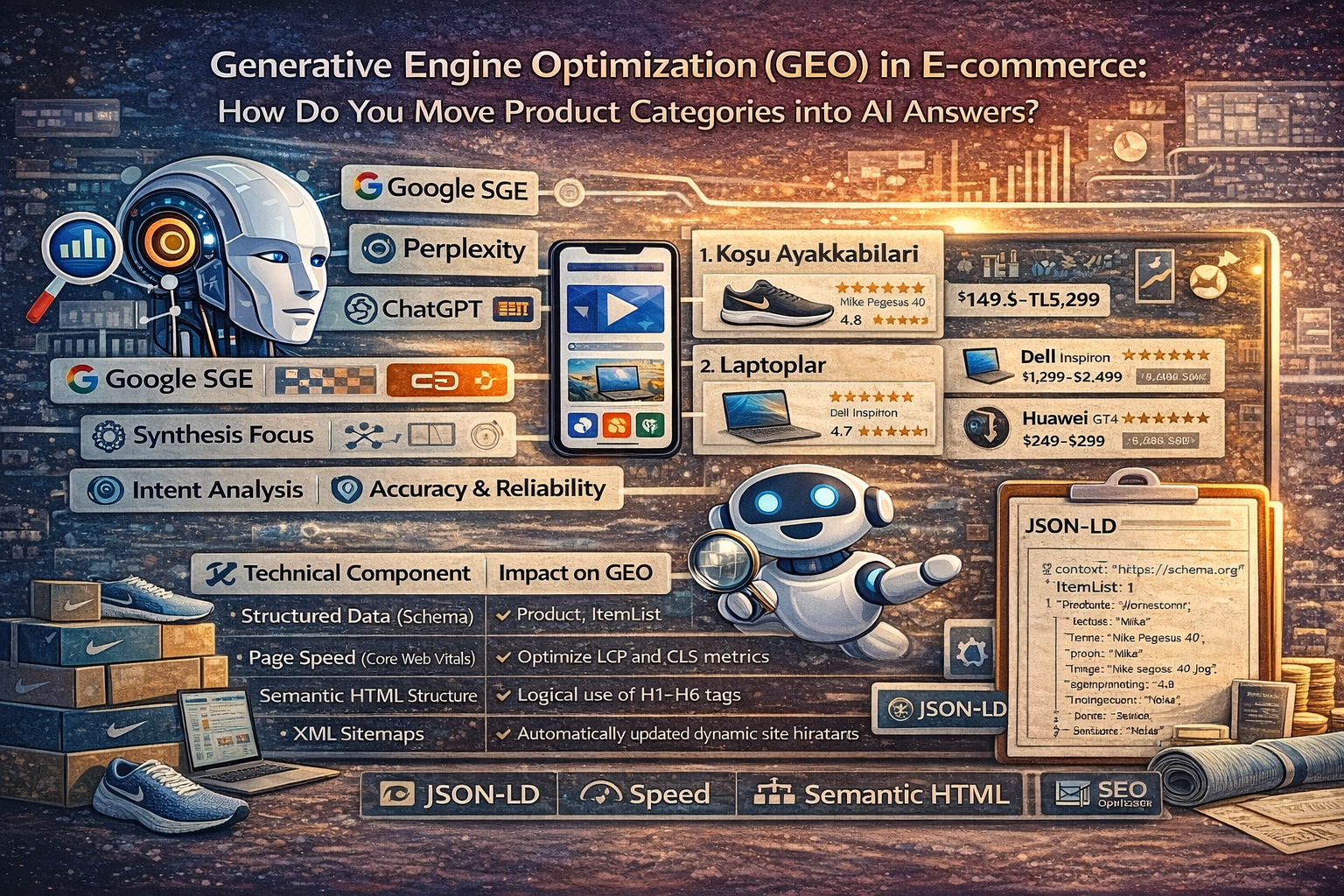
Generative Engine Optimization (GEO) in E-commerce: How Do You Move Product Categories into AI Answers?
The digital marketing world has entered a new era as AI technologies fundamentally transform the search engine experience. Traditional SEO techniques are no longer sufficient on their own; the focus is now on Generative Engine Optimization (GEO) strategies in ecommerce. Generative AI models (Google SGE, Perplexity, ChatGPT) are redefining how product categories and lists are presented while providing direct answers to users’ questions. As an ecommerce site owner or manager, having your product categories appear in these AI answers (AI snapshots) means a direct source of authority and sales beyond organic traffic. GEO is not only a keywordfocused effort, but also the process of making data meaningful and presenting it in the most suitable format for AI models.AI models operate through large language models (LLMs), scanning massive datasets across the internet and creating the most intentaligned synthesis for the user. For ecommerce sites, this makes it necessary for category pages to evolve from being simple product lists into structures that provide indepth information about that category, function as a user guide, and are supported by technical data. In this article, we will detail how to move your category pages to the center of AI answers and how to increase your visibility with modern Generative Engine Optimization (GEO) strategies in ecommerce.Generative Engine Optimization (GEO) Strategies in Ecommerce and the NextGeneration Search WorldWhile traditional search engines function as bridges that direct users to the relevant website, generative search engines (Generative Engines) aim to provide the user with a direct answer. This shift is both a risk and a major opportunity for ecommerce sites. Generative Engine Optimization (GEO) strategies in ecommerce are built to ensure your brand is mentioned within these answers as a recommended source or the best option. When scanning a product category, AI doesn’t just look at product titles; it evaluates the category’s scope, user reviews, price–performance balance, and level of expertise.- Synthesis Focus: AI creates an answer by combining multiple sources. For your site to be part of this synthesis, you need highauthority, informationdense content.- Intent Analysis: Users now ask complex questions such as “Which marathon shoes are suitable for asphalt and do not cause knee pain?” instead of “best fitness training shoes.”- Accuracy and Reliability: AI models are programmed to avoid giving incorrect information. Therefore, the freshness and accuracy of data in product categories are critical for GEO.To succeed in this new ecosystem, you must align your category hierarchy and content strategy with a “question answer” mechanism. By identifying the core questions users seek within a category and answering them comprehensively on your category pages, you can implement Generative Engine Optimization (GEO) strategies in ecommerce in the most efficient way. It should not be forgotten that AI will reference you not only when it sees you as a seller, but as a knowledge source.Technical Infrastructure for Product Categories and Generative Engine Optimization (GEO) Strategies in EcommerceTechnical SEO has always been important, but when it comes to GEO, technical perfection becomes a necessity. Making it easy for AI bots to crawl your site and structure your data is at the top of the Generative Engine Optimization (GEO) strategies in ecommerce list. The loading speed of your category pages, mobile compatibility, and especially structured data in JSONLD format enable AI to recognize your products. If an AI model cannot clearly read your product’s price, stock status, or user rating, it will not recommend that product in its answers.Technical ComponentImpact on GEORecommended ActionStructured Data (Schema)Enables AI to understand product and category attributes.Use Product, ItemList, and FAQ Schema.Page Speed (Core Web Vitals)Affects bot crawl budget and user experience.Optimize LCP and CLS metrics.Semantic HTML StructureDetermines the hierarchical importance of content.Logical use of H1–H6 tags.XML SitemapsEnables faster discovery of new categories and products.Automatically updated dynamic sitemaps.Technical optimizations in product categories function as a “road map” not only for search engines, but also for large language models that process data. For example, the URL structures and labels of filtering options (color, size, material, etc.) on a category page should be clear. Within Generative Engine Optimization (GEO) strategies in ecommerce, these technical details help AI say, “This site has the most specific and orderly data about this product group.” Especially the ItemList Schema structure allows AI to easily extract all products on the category page as a list.Semantic Content Production: Category Management with Generative Engine Optimization (GEO) Strategies in EcommerceWhile keyword density matters in traditional SEO, conceptual depth and semantic relationships take priority in GEO. When creating product category content, instead of only saying “cheapest laptops,” you should provide information on topics such as “processor generations to consider when choosing a laptop,” panel types, and use cases. Generative Engine Optimization (GEO) strategies in ecommerce require content to be not only salesfocused, but also educational and guiding. AI accepts the content that explains a topic best and offers the broadest perspective as an “authority.”Key points to consider in semantic content production:- Comprehensiveness: Include all technical and practical information users wonder about regarding that product group on your category page.- Entity Association: Link your products with relevant brands, technologies, and use cases (entities).- Natural Language Processing (NLP) Alignment: Write your content in a natural flow that answers real questions people ask.The “Category Description” section at the bottom of a category page should no longer be SEO clutter, but should transform into an article. This section should include the advantages, disadvantages, and comparative analyses of the relevant products. When Generative Engine Optimization (GEO) strategies in ecommerce are applied, AI can pull parts from this rich content and use your sentence in the “AI Snapshot” area it presents to the user. This directly increases clickthrough rates and brand awareness.Data Structuring and Schema Usage: Generative Engine Optimization (GEO) Strategies in EcommerceAI models are hungry for data, and how structured that data is directly affects the likelihood that the model will use it. For ecommerce sites, Schema.org markups play a critical role within Generative Engine Optimization (GEO) strategies in ecommerce. On your category pages, not only individual products but also the category itself must be defined as an entity. This helps AI understand the page’s purpose and value within seconds.Critical Schema types to use for categorybased GEO include:- BreadcrumbList: Shows the page’s place in the site hierarchy and provides context to AI.- FAQPage: Enables frequently asked category questions to appear directly in AI answers (such as SGE).- CollectionPage: Clarifies that the page is a product collection or category page.- Review: Highlights user experiences and ratings across the category.Having these markups complete and errorfree is a technical requirement within Generative Engine Optimization (GEO) strategies in ecommerce. AI prefers reliable data sources. If the price information on your page is specified with Schema and matches the visual data on the page, the AI model’s trust score for your site increases. This trust score is a hidden factor that directly influences your ranking in “Generative Search” results.User Experience and Conversion: Achieve Success with Generative Engine Optimization (GEO) Strategies in EcommerceGEO is not only about driving traffic, but also about guiding incoming traffic toward conversion. A user who lands on a page recommended by AI expects their needs to be met. Generative Engine Optimization (GEO) strategies in ecommerce aim to increase the time on site and engagement of AIdriven visitors by putting user experience (UX) at the center. A clean design, quickly accessible filters, and a trustworthy payment process are indirect but highly effective complements to GEO.You can follow these strategies to optimize user experience:- Personalized Recommendations: Offer similar products aligned with the intent of the user coming via AI.- Content Visualization: Use infographics, videos, and highquality visuals on category pages to address AI’s visual search and analysis capabilities.- Trust Signals: Make elements like certifications, user reviews, and transparent return policies visible.In conclusion, Generative Engine Optimization (GEO) strategies in ecommerce are not an option for ecommerce sites, but a survival strategy. In this era where search engines evolve with AI, you must transform your category pages into deep, technically flawless structures that both machines and humans can understand in the best way. GEO success will belong to brands that blend the right data with the right content and present it in AI’s language (technical structuring). By starting to optimize your category pages today, you can secure your place in the future search world from now. By working with an expert e-commerce SEO & GEO agency, you too can achieve your goals.

How to Measure Generative Engine Optimization (GEO)? KPIs and Reporting Model for AI Visibility
The digital marketing world is undergoing a major transformation from search engine optimization toward AI driven answer systems. In this new era, Generative Engine Optimization measurement is of vital importance for brands to sustain their digital presence. While traditional SEO metrics focus on the user clicking a link and visiting a website; GEO measures how much AI (LLM) references your brand and how you are positioned within answers. The rise of systems such as Google SGE (Search Generative Experience), Perplexity, Claude, and ChatGPT makes a new data driven analytics approach mandatory. In this content, we will examine in depth the mathematical formulas of gaining visibility in AI engines and how this process should be reported.AI engines do not present data directly; instead, they synthesize it from multiple sources to create new content. This makes classic metrics such as click through rate (CTR) insufficient on their own. The point we must now focus on is the share of the answer delivered by AI and how frequently your brand is seen as a reliable source. In Generative Engine Optimization analytics processes, not only the accuracy of the data but also how much authority the brand holds in semantically related topics should be measured. To be successful in the digital strategies of the future, you need to master not only search volumes but also AI’s conceptual association models.Unlike traditional SEO, Generative Engine Optimization measurementIn traditional SEO work, success is generally measured by ranking in the top three positions for a specific keyword. However, when it comes to Generative Engine Optimization measurement, the concept of ranking gives way to the dynamics of being cited and being part of the answer. AI engines tend to provide the user with a single final answer. Having your brand name mentioned in that answer is the strongest proof that your brand is accepted as an authority. Pageview counts in classic metrics are replaced in the GEO universe by answer interaction and attribution quality. This shift requires our measurement tools and strategic perspective to evolve as well.Ranking vs. Citation: Instead of classic SERP rankings, the number and order of citations within the AI answer should be tracked.Click vs. Answer Share: Rather than the user coming to the site, how much space the brand occupies in the information AI provides to the user is important.Keyword Based vs. Semantic Based: Not only keyword matching, but topical integrity and authority score are the cornerstone for Generative Engine Optimization analytics.Single Page vs. Knowledge Pool: Instead of the performance of a single page, the brand’s weight within the Knowledge Graph across all relevant topics is measured.When measuring, it is necessary to go beyond Google Search Console data. Special bots and semantic analysis tools are used to determine how much of the content generated by AI models uses your brand as a source.For example, in the answer given to a user’s question “Which is the best SEO agency?”, which position your brand name appears in and how positive the tone of that answer is are next generation performance indicators. Generative Engine Optimization measurement, therefore, is not only a technical data tracking process but also a reputation and trust analysis process.Critical KPIs for AI Visibility and Generative Engine Optimization AnalyticsTo track performance in AI engines, there is a need for defined, specific KPIs. Generative Engine Optimization analytics covers the process of monitoring and optimizing these metrics regularly. One of the most critical metrics, Citation Rate, indicates how frequently your content is cited by AI. Another important KPI is the Brand Sentiment in AI metric; the tone of the language AI uses when mentioning your brand (positive, neutral, or negative) is decisive for your brand image. These data are the elements that determine your brand’s share of intelligence in the digital world.Metric NameDescriptionImportance for GEOCitation RateThe percentage of times the brand is cited as a source in AI answers.Represents authority and trustworthiness.Response PositionWhere in the answer the brand name or link appears.Provides visibility and user trust.Semantic CompatibilityHow much the content matches the concepts AI understands.Increases success in reaching the right audience.Brand SentimentThe tone of the AI generated content about the brand.It is the digital counterpart of reputation management.As seen in the table above, Generative Engine Optimization analytics focuses not only on quantitative data but also on qualitative analyses. For example, the Semantic Relevance metric measures where your content is positioned in AI’s embedding space. If your content has a mathematically high correlation with the topic you are targeting, AI engines will reference you more. This proves that in Generative Engine Optimization measurement processes, content quality is as important as technical data. When defining your KPIs, you must ensure that each of them aligns with your business goals and the operating principles of AI.Citation and Generative Engine Optimization Measurement Techniques in LLM ResponsesBeing included in LLM answers is not only about producing quality content but also about presenting that content in a structure that AI can read and trust. Among the most common Generative Engine Optimization measurement techniques are Reverse Prompting and AI Benchmarking methods. Queries about your brand are directed to AI tools, and a dataset is created based on the answers received. Within this dataset, your dominance compared to competitors, which sources are referenced more frequently, and the freshness of the information are analyzed. These techniques provide concrete outputs that directly affect strategic decision making mechanisms.AI engines track certain trust signals (EEAT: Experience, Expertise, Authoritativeness, Trustworthiness) while processing data. Therefore, when performing Generative Engine Optimization measurement, it is necessary to test how these signals are perceived by AI. For example, a health article being written by a doctor or a financial analysis coming from an accredited institution increases the probability that AI will reference that source. Generative Engine Optimization analytics tools can help you create an AI Trust Score by examining your website’s schema structures, link profile, and content depth. These technical data provide the insights you need to update your content strategy in real time.Another measurement technique is the Direct Response Attribution model. In this model, the click through rates of links included in the AI’s answer and the conversion rates of those clicks are tracked. Platforms like Perplexity show sources clearly, making this kind of Generative Engine Optimization measurement easier. However, in more closed systems like ChatGPT, the focus should be on the frequency of brand mentions within the query. These analyses serve as a critical guide for deciding which channels and content types digital marketing budgets should be allocated to.Content Performance Evaluation: Reporting with Generative Engine Optimization Analytics For analyses and data to have value, they must be transformed into a systematic reporting model. A report prepared with Generative Engine Optimization analytics should cover not only numbers but also strategic areas for improvement. Establishing a Baseline in the reporting process is critical to seeing the impact of optimization efforts. For example, the percentage of queries conducted over Perplexity and Google SGE during a month in which your brand appears determines your target for the next month. This reporting cycle should be integrated with the principle of continuous improvement.Scope Definition: It is clarified which AI engines (GPT 4o, Gemini, Claude, etc.) will be analyzed.Query Set Creation: A list is prepared consisting of brand name, product category, and informational queries.Data Collection: AI answers are collected via manual or automated tools and Generative Engine Optimization measurement is performed.Competitor Analysis: Topics where competitors are referenced more and the structure of those contents are examined.Action Plan: Semantic content updates and technical fixes are planned for the areas where performance is lacking.A successful Generative Engine Optimization analytics report should be capable of proving the brand’s authority in the digital ecosystem to stakeholders. These reports should evaluate not only textbased answers but also the brand’s presence within visual and table content generated by AI.For example, if AI creates a comparison table and your brand appears in the advantageous part of that table, this is a high success indicator. Quantifying such qualitative successes is essential to understand GEO’s ROI value.Visualizing data during reporting helps complex Generative Engine Optimization measurement results be understood better. Charts such as heat maps, trend lines, and competitor comparison radars should be used. In addition, identifying misinformation AI presents about your brand and the work to correct these errors should be part of the report. A GEO report is not just a performance document, but also a report card of the brand’s accuracy and trust in the digital world.Future Strategy: Generative Engine Optimization Measurement and Artificial Intelligence IntegrationIn the future, search engines will cease to be simple indexes and will become personalized digital assistants. In this transformation, Generative Engine Optimization measurement processes will also be automated by AI itself. LLM as a judge systems have reached a level where they can pretest for brands how AI friendly a piece of content is. For companies to survive in this new ecosystem, they must place measurement processes at the center of their workflows. Static SEO strategies will give way to flexible GEO strategies that adapt to AI’s dynamic learning models.From a strategic perspective, Generative Engine Optimization analytics should aim not only to analyze past data but also to predict future trends. Identifying which topics AI is searching for more sources on provides a major advantage in shaping the content production calendar accordingly. For example, in a world where Zero Click Search rates are increasing, GEO’s ultimate success is for your brand to remain in the user’s mind as a reliable authority even if the user does not visit your site. To achieve this success, making data driven decisions and continuously measuring those decisions is the only way.As a result, Generative Engine Optimization measurement has become one of the most critical competencies of modern digital marketing. As the algorithms of AI engines change, we must also update our measurement and reporting methodologies. Brands that present transparent, honest, and highquality information will always be rewarded more by AI. On this journey, using Generative Engine Optimization analytics tools effectively will put you one step ahead of your competitors and guarantee your brand’s future in the AI era. Digital visibility is no longer just a matter of ranking, but a matter of intelligence and data integrity.